Buying guides for desktop robots
Clear criteria and honest trade-offs for choosing a robot with confidence.
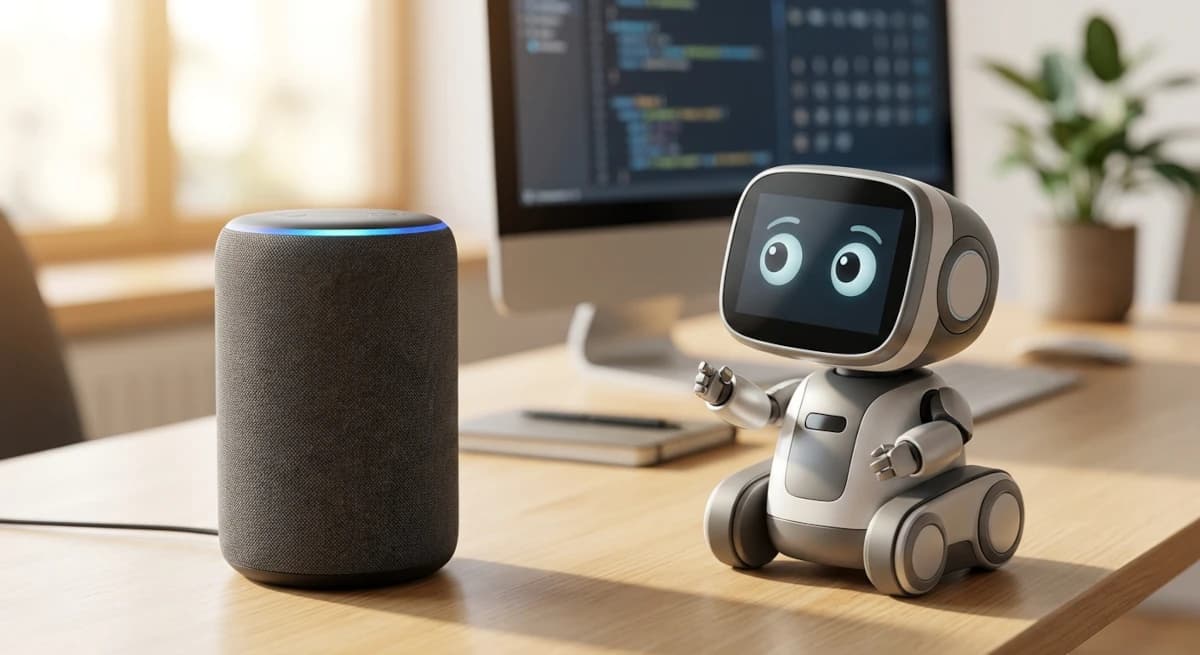
AI Desktop Robot vs Smart Speaker: Is a Physical AI Worth It?
A smart speaker is usually the more practical choice for timers, music, home controls, and quick questions. A desktop robot makes a different promise: visible movement, expression, and a physical presence you can interact with. The right choice depends on whether you want a better tool or a different kind of experience.
Explore→
AI Companion Robots Without Monthly Fees: What Are the Trade-offs?
A robot with no monthly fee can be a better long-term purchase, but the absence of a subscription does not automatically mean the experience is self-contained or future-proof. The important distinction is between paying for access, depending on an online service, and buying a robot whose value comes from its built-in behavior.
Explore→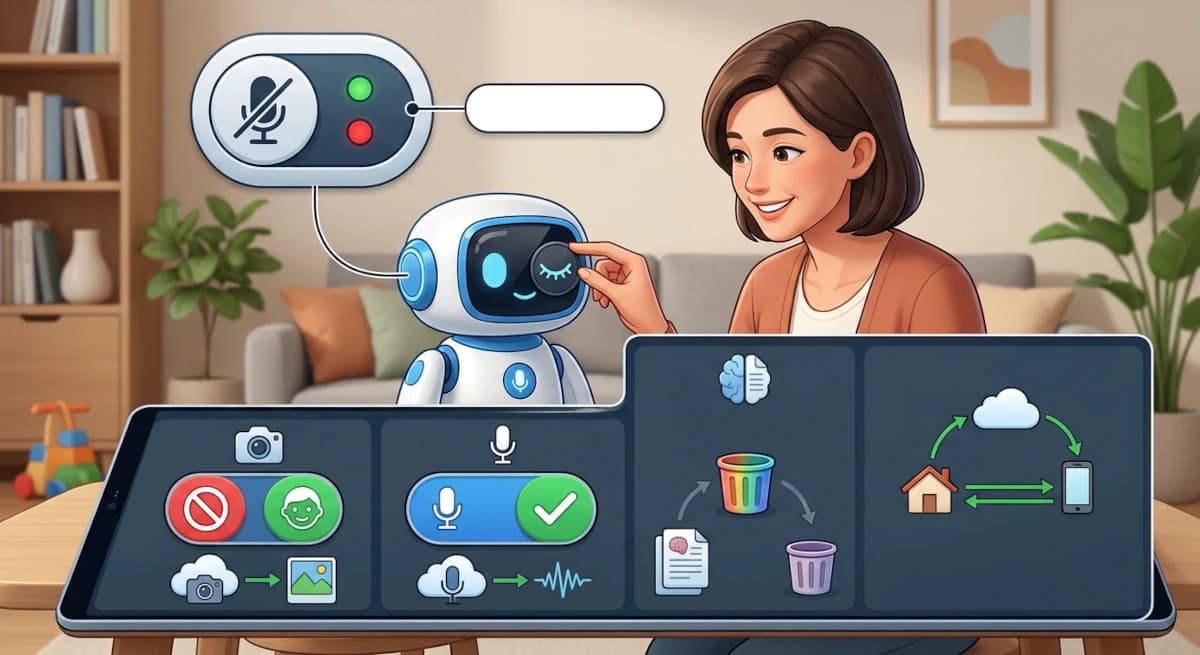
AI Companion Robot Privacy: Cameras, Microphones, Cloud and Memory
An AI robot's privacy risk is not determined by whether it has a camera or microphone alone. The important questions are when those sensors activate, where information is processed, what is stored, how long it remains, and whether you can turn features off without losing the entire product experience.
Explore→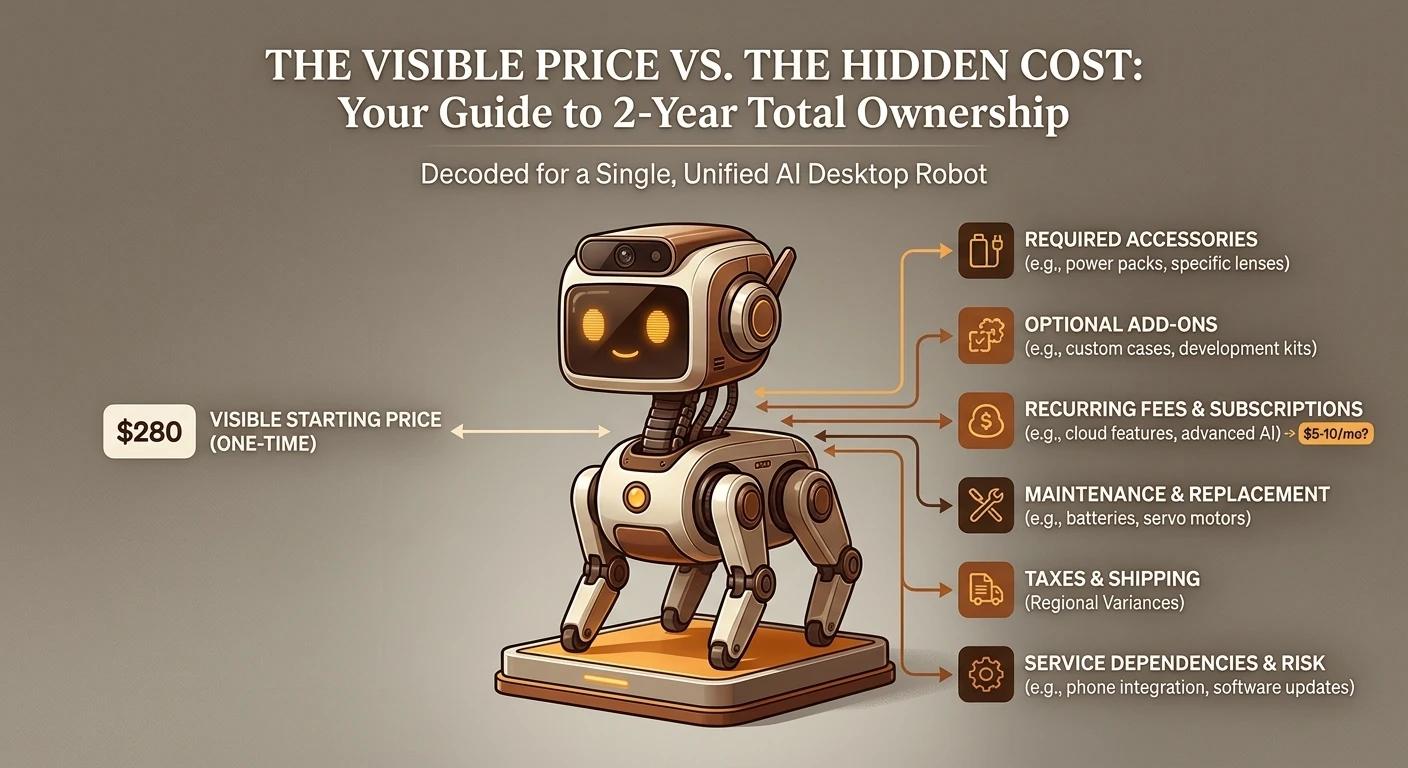
How Much Does an AI Desktop Robot Really Cost Over Two Years?
A $140 desk companion and a $400 robot do not offer the same experience, so price alone is a poor comparison. The useful number is the cost of getting the experience you want, including accessories, phone requirements, service dependencies, and the possibility that software support changes over time.
Explore→
Are AI Companion Robots Worth It? A Realistic Buyer's Guide
An AI companion robot can be worth buying without being a useful assistant. The important question is whether you value its physical presence, repeated little interactions, and personality enough to keep it around after the novelty fades. Community reports are mixed, and that is exactly why expectations matter.
Explore→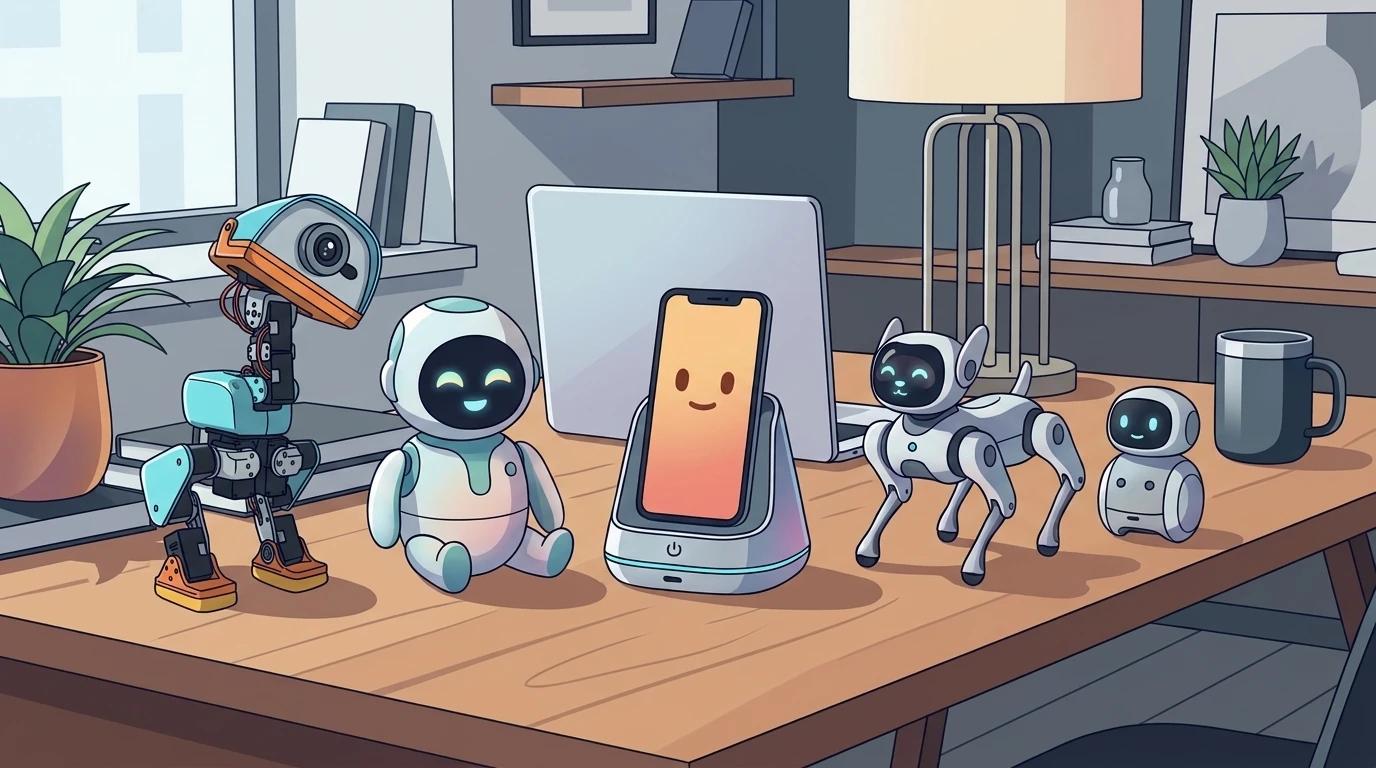
Best AI Desktop Robots for Adults: Which One Fits Your Life?
There is no single best AI desktop robot for every adult. Some are expressive desk pets, some put a phone at the center of the experience, and others make physical movement the main attraction. The useful comparison starts with the experience you want, not the number of features in a product page.
Explore→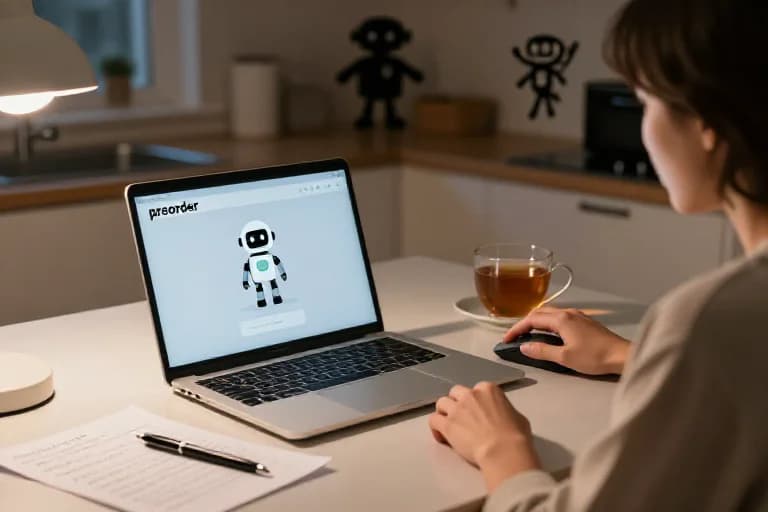
Before You Preorder MicroDuck, Here Are the Things I'd Check First
MicroDuck is easy to get excited about, but a preorder is still a purchase based partly on what exists today and partly on what the platform may become. Here are the practical things I would check before spending $399.
Explore→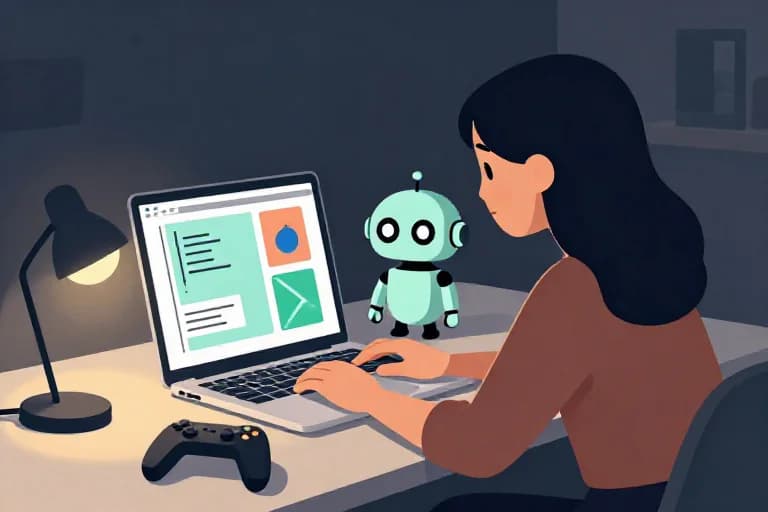
Does MicroDuck Need Coding? The Answer Depends on What You Want to Do
You do not need to code to use MicroDuck. The more interesting question is how far you want to go: using the robot, experimenting with its software, or training entirely new physical behaviors are three very different experiences.
Explore→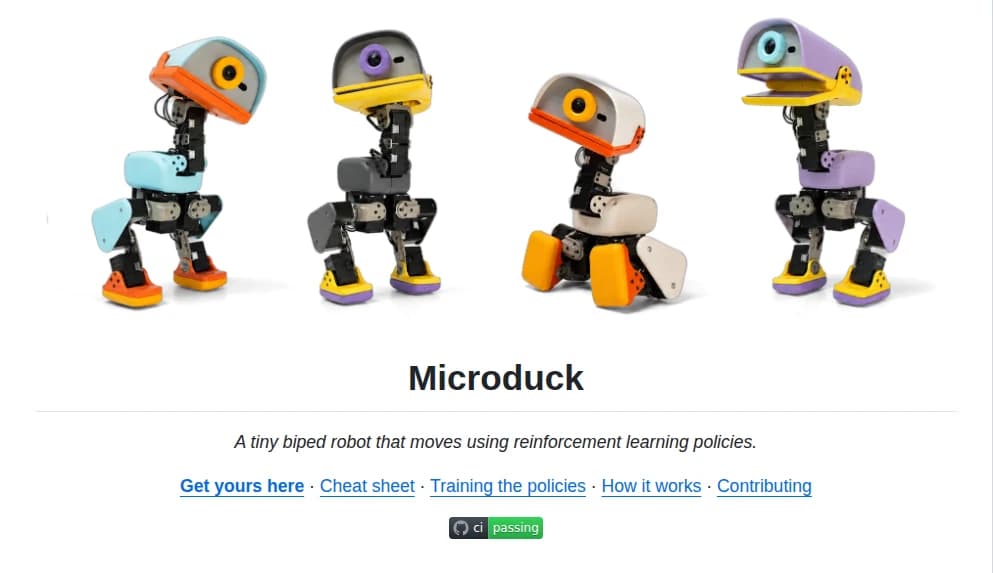
How Open Is MicroDuck Really? What You Can Actually Change
MicroDuck is often described as an open-source robot, but that phrase can mean very different things. Here is what is actually open, what you can modify, how the simulation and training stack fit together, and where the boundaries are.
Explore→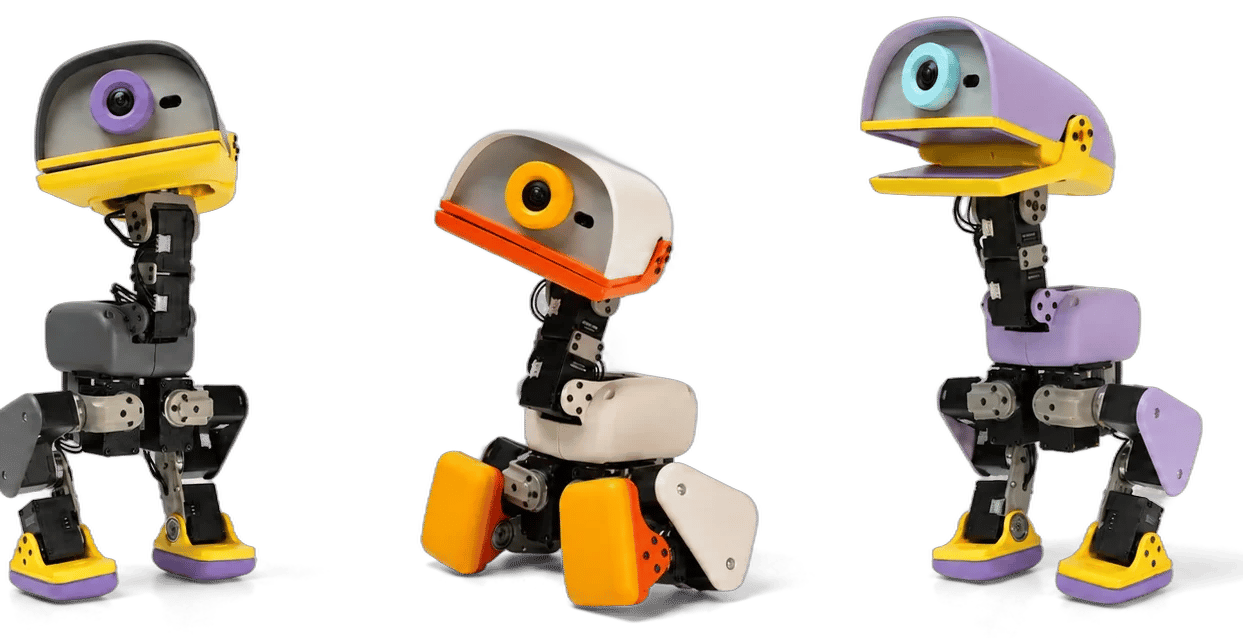
MicroDuck: What Are You Actually Getting for $399?
At $399, MicroDuck is not just a small robot with a cute shell. The base package gives you a physical AI platform with 15 motors, cameras and sensors, a controller, built-in behaviors, and an open software stack designed for retraining.
Explore→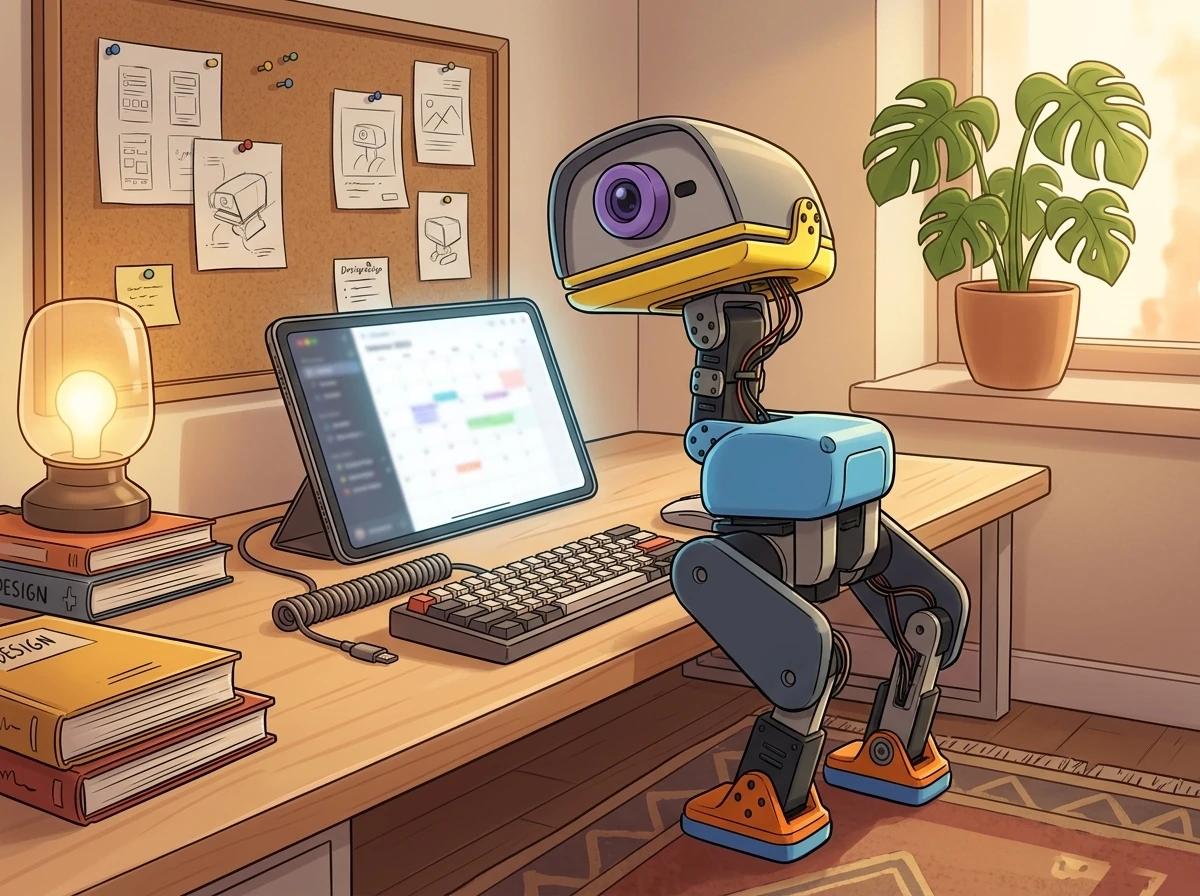
The $399 MicroDuck Isn't the Whole Cost: What Will You Actually Spend?
The $399 MicroDuck price gets you the robot and the essentials, but it does not tell you the total cost of ownership. Here is what you may actually spend, what is optional, and where the hidden cost is your time rather than your money.
Explore→
What Can MicroDuck Actually Do?
MicroDuck can walk, sit, crouch, grasp, kick, roller-skate, and recover from falls. But the useful question is not just how many behaviors it has. It is what those abilities actually let you do, and where the robot's current capabilities stop.
Explore→
AI Desktop Robot vs AI Companion Robot: They Sound Similar, But They're Not
A desktop robot describes where and how a robot exists. A companion robot describes the relationship it is trying to create. The two can overlap, but they are not the same thing.
Explore→
MicroDuck Alternatives: What Other Desktop Robots Should You Know About?
MicroDuck is not the only interesting desktop robot. EMO, LOOI, and Reachy Mini take very different approaches to movement, companionship, interaction, and software. Here is how they compare.
Explore→
What Is an AI Desktop Robot? It’s More Than a Tiny Chatbot
An AI desktop robot is not simply a chatbot with a body. It sits somewhere between a physical machine, an AI interface, a companion, and a piece of software you can keep exploring.
Explore→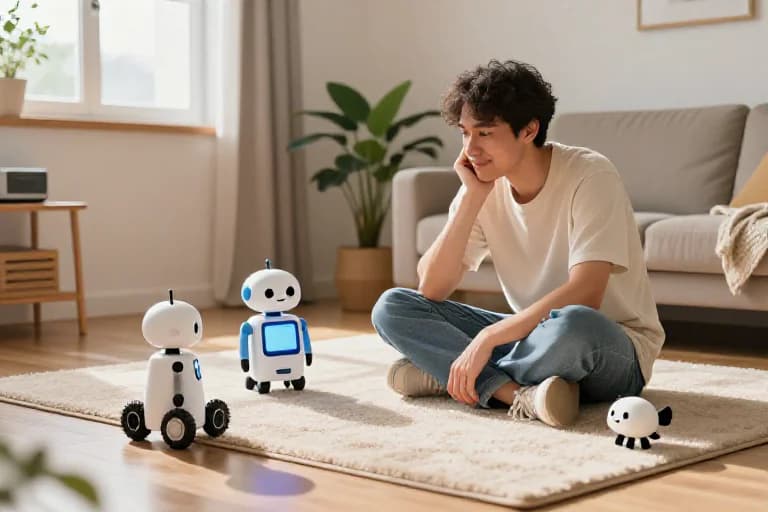
Before You Buy Your First AI Desktop Robot, Figure Out What You Actually Want
The hardest part of buying a desktop robot isn't comparing specifications. It's figuring out what you actually want the robot to be in your life.
Explore→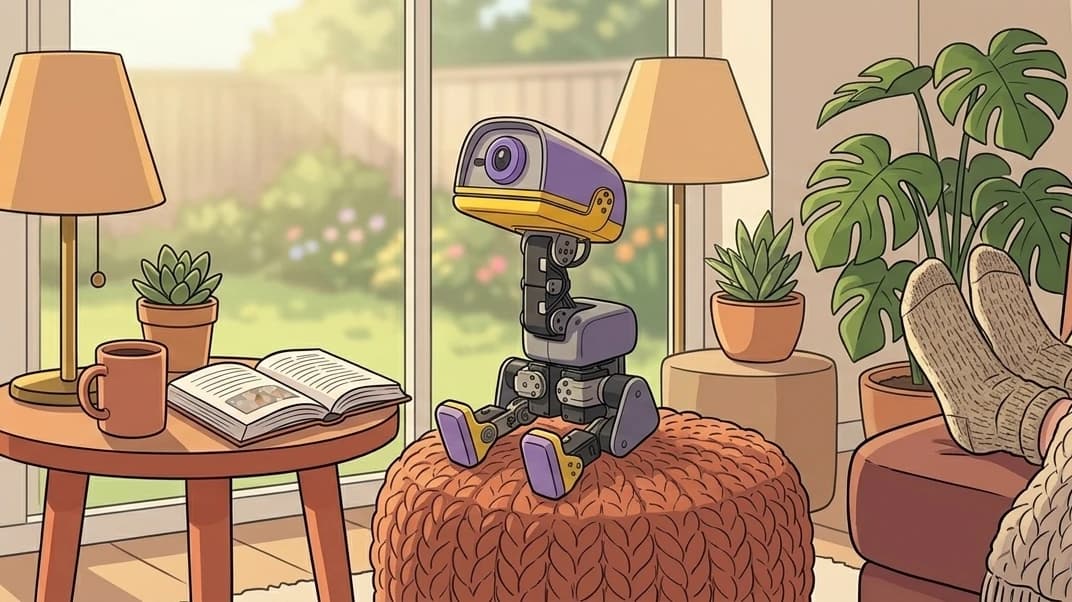
Can MicroDuck Actually Be an AI Companion?
The idea of a cute AI companion living on your desk is probably one of the reasons MicroDuck is so appealing. But what kind of companion is it actually?
Explore→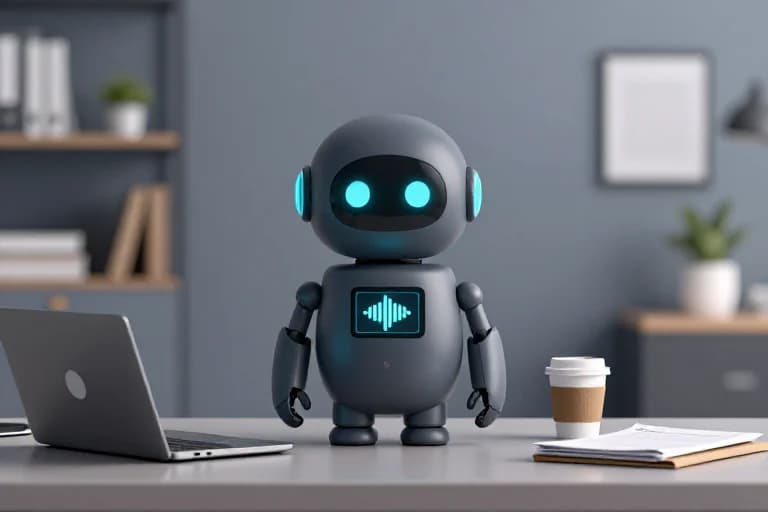
What Kind of AI Desktop Robot Do You Actually Want?
There isn't one perfect desktop robot. The better way to choose is to start with the experience you want and work backward from there.
Explore→
What Should You Look for in an AI Companion Robot?
An AI companion robot isn't defined by how powerful its AI sounds. The better question is whether you actually enjoy interacting with it.
Explore→